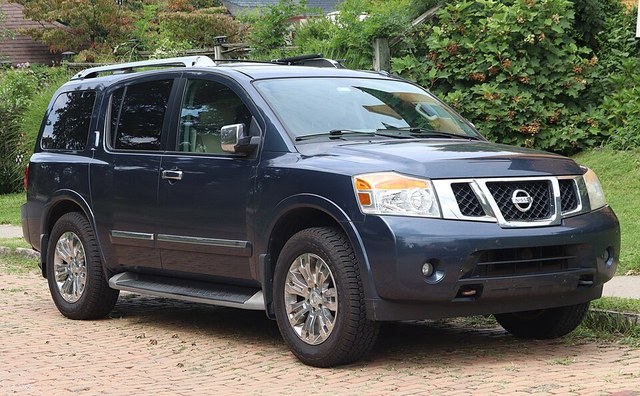
2010Nissan Armada Oil capacity
6-7/8qt
With filter
- Without filter6-1/2 qt
Owner's manual · PDF page 431 ↗Added Oct 15, 2026
See where it's printed
Oil capacity (with filter) · All versions · PDF page 431
With oil filter change 6-7/8
Oil capacity (without filter) · All versions · PDF page 431
Without oil filter change 6-1/2
As printed in the manual
| Applies to | Value | Manual says | Page |
|---|---|---|---|
| All versions | 6-7/8 qtwith filter | “With oil filter change 6-7/8” | PDF page 431 ↗ |
| All versions | 6-1/2 qtwithout filter | “Without oil filter change 6-1/2” | PDF page 431 ↗ |
Scroll the table to see the quote and page →
5W-30 full synthetic motor oil
Shop on Amazon Matches the spec above
Nissan 5W-30 motor oil
Shop on Amazon Matches the spec above
Search links. Check the listing matches your version.
Check the level before you drive
- Park on level ground. Turn off the engine and follow the waiting period in your owner's manual.
- Pull, wipe, and reinsert the dipstick. Use a clean cloth, then push the dipstick all the way back in.
- Read the level between the marks. Pull it out again. The oil should sit between the upper and lower marks.
- Top up a little at a time, then recheck. Use the specified oil. Don't fill above the upper mark.
A quick level check, not a full oil-change guide. Follow your manual's procedure.
Confirm with your own manual, dipstick or door-jamb label.
Report a problem with this page →