2014Nissan Armada Tire pressure
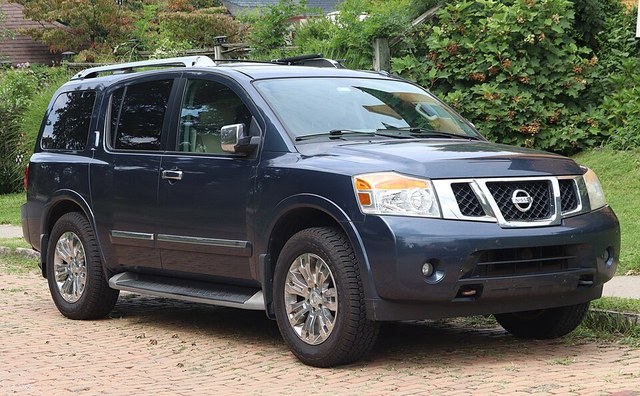
Depends on your tire size or trim. Choose yours, or compare them here.
- P265/70R18 36 PSI front·36 PSI rear
- P275/60R20 36 PSI front·36 PSI rear
36PSI
36PSI
36PSI
36PSI
Spare tire (P265/70R18 and P275/60R20), set separately36 PSI
See where it's printed
Tire pressure (front) · P265/70R18 and P275/60R20 · PDF page 438
250 kPa, 36 PSI
Tire pressure (rear) · P265/70R18 and P275/60R20 · PDF page 438
250 kPa, 36 PSI
Tire pressure (front) · P265/70R18 and P275/60R20 · PDF page 438
250 kPa, 36 PSI
Tire pressure (rear) · P265/70R18 and P275/60R20 · PDF page 438
250 kPa, 36 PSI
Tire pressure (spare) · P265/70R18 and P275/60R20 · PDF page 438
250 kPa, 36 PSI
See where it's printed
Tire pressure (front) · P265/70R18 and P275/60R20 · PDF page 438
250 kPa, 36 PSI
Tire pressure (rear) · P265/70R18 and P275/60R20 · PDF page 438
250 kPa, 36 PSI
See where it's printed
Tire pressure (front) · P265/70R18 and P275/60R20 · PDF page 438
250 kPa, 36 PSI
Tire pressure (rear) · P265/70R18 and P275/60R20 · PDF page 438
250 kPa, 36 PSI
All versions
| Applies to | Value | Manual says | Page |
|---|---|---|---|
| P265/70R18 and P275/60R20 | 36 PSIfront | “250 kPa, 36 PSI” | PDF page 438 ↗ |
| P265/70R18 and P275/60R20 | 36 PSIrear | “250 kPa, 36 PSI” | PDF page 438 ↗ |
| P265/70R18 and P275/60R20 | 36 PSIspare | “250 kPa, 36 PSI” | PDF page 438 ↗ |
Scroll the table to see the quote and page →
Checking your tire pressure
- Check when the tires are cold. Before driving, or after the car has sat for a few hours.
- Use a tire gauge on each valve stem. Include the spare if your vehicle has one.
- Add or release air to match the spec. The tire and loading label on the driver's door jamb lists the pressure for your exact tire size.
Never inflate to the maximum pressure printed on the tire sidewall; that is a limit, not a target.
Confirm with your own manual, dipstick or door-jamb label.
Report a problem with this page →